
Disclaimer: This post contains affiliate links. If you click through and make a purchase, I may earn a small commission at no additional cost to you. This helps support DigitalAscend, and I only recommend products I genuinely believe in. I appreciate your support!
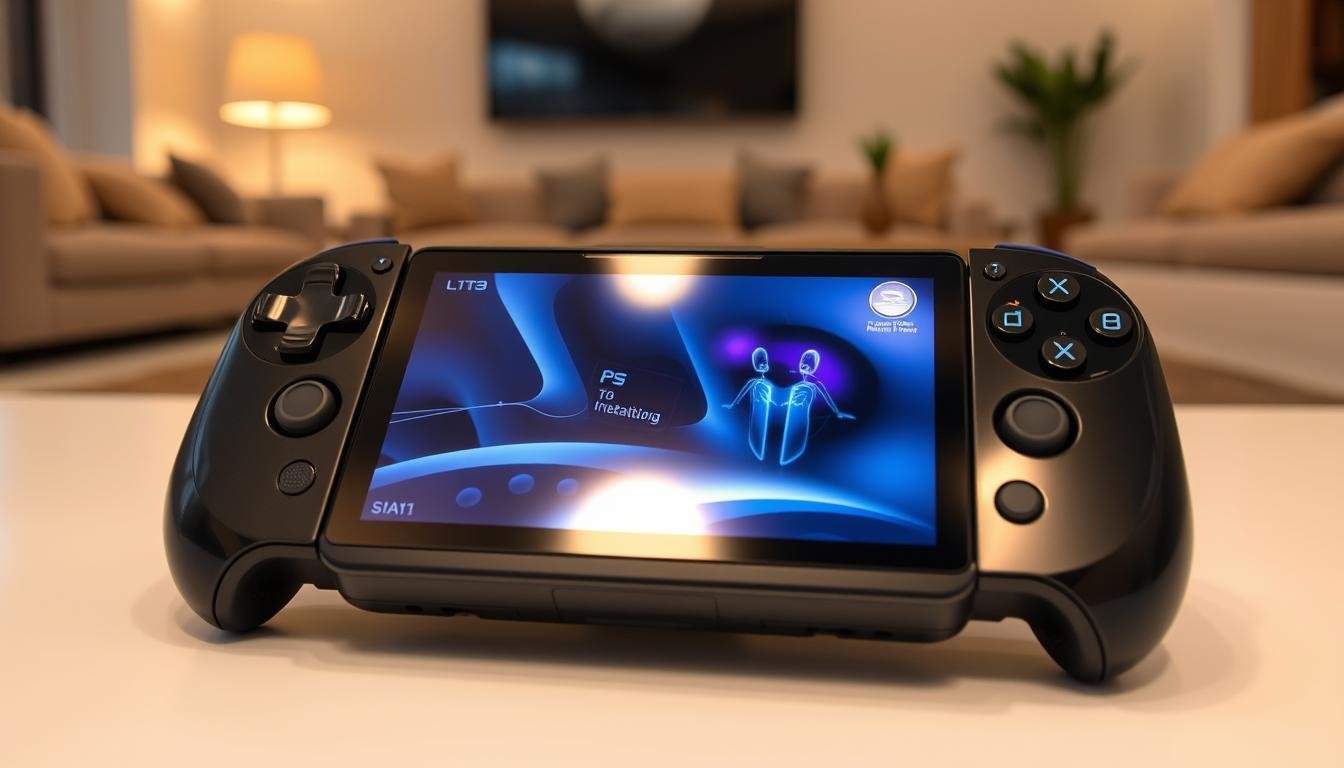
Sony has introduced the PlayStation Portal, a game-changing device. It lets gamers stream PS5 games anywhere with Wi-Fi. As a gamer, I’m excited about this innovation, perfect for gaming on the go.
The PlayStation Portal is set to change gaming by letting PlayStation Plus Premium subscribers stream over 120 games. This is possible even without a PS5. It also saves progress on the cloud and lets you pick up where you left off on the PS5.
The Portal supports 1080p at 60fps, offering a top-notch gaming experience. Premium subscribers can stream games smoothly with a strong internet connection. While some features are still in beta, the Portal’s Remote Play is already getting great feedback.
The Portal’s hardware update has improved audio settings and PlayStation Link. For the best experience, connect your PS5 to the internet with a wired connection. Use a stable high-speed Wi-Fi for Remote Play. Also, disabling band steering on Wi-Fi routers helps.
The PlayStation Portal has controls like the DualSense wireless controller and touch screen features. The quick menu lets you disconnect from Remote Play or access settings. You can find options for network, system, display, and more.
Key Takeaways
- The PlayStation Portal enables remote streaming of compatible PS5 games anywhere with a Wi-Fi connection.
- PlayStation Plus Premium subscribers can access over 120 games through cloud streaming, even without owning a PS5.
- The device supports 1080p resolution at 60fps and offers seamless gameplay with the ability to save progress on the cloud.
- Hardware updates include improvements in audio settings and enhancements for Sony’s wireless audio technology, PlayStation Link.
- The PlayStation Portal features familiar controls similar to the DualSense wireless controller, along with touchscreen functionalities.
Introducing the PlayStation Portal Remote Player
The PlayStation Portal Remote Player is a game-changer. It lets you stream your favorite PS5 games from anywhere with internet. Over 120 PS5 games are available for streaming, making it a dream for playstation gaming network fans.
For a smooth gaming experience, the PS Portal needs at least 5Mbps upload and download speeds. For the best experience, 15Mbps is recommended. It also offers cloud storage for save data and game progress up to 100GB, keeping your gaming journey going without pause.
Stream Compatible PS5 Games with Ease
The PS Portal supports streaming for many PS5 games. It needs 7Mbps for 720p and 13Mbps for 1080p resolution. But, PS4 and PS3 games are not compatible yet. Thanks to playstation updates and cloud streaming tech, gamers can enjoy their favorite games anywhere, without losing quality.
Broadband Internet and PS5 Requirements
To use the PlayStation Portal Remote Player, you need a PlayStation Plus Premium membership. This is available in places like the United States, Japan, France, Germany, and more. Your PS5 console must be online, powered on, or in Rest Mode, and paired with the Portal for smooth streaming.
While the PS Portal offers a great gaming experience, some features might not be available during the beta. These include Game Trials, streaming games bought on PS Store, Party voice chat, and the Create button. As the sony playstation hub grows, we can look forward to more features and improvements in the ps online community.
| Minimum Requirements | Recommended Requirements |
|---|---|
| 5Mbps upload and download speeds | 15Mbps upload and download speeds |
| 7Mbps for 720p streaming | 13Mbps for 1080p streaming |
Compatibility and Performance
The PlayStation Portal is a new way to play games, working well with the PlayStation social platform and PS gaming portal. But, knowing its limits and how it performs is key for a great gaming experience. This is true for the playstation multiplayer hub and sony ps network.
Unsupported Peripherals and Games
Even though the Portal works with many PS5 games, it has some limits. Games needing extra stuff like VR headsets or PS Plus Premium streaming won’t work. So, some games in the ps gaming portal might not be available through the Portal.
Haptic Feedback and Adaptive Trigger Support
The Portal shines with its haptic feedback and adaptive triggers. These features make games feel more real in the playstation social platform. Players get the same feel as with a DualSense controller, making the game more immersive.
Game Performance Varies Based on Network Environment
How well games run on the Portal depends a lot on your internet. You need fast internet, at least 5 Mbps upload and download speeds. For the best experience, aim for 15 Mbps or more. If your internet is slow, you might see problems like frame rate drops and artifacts.
The Portal might disconnect every 15 to 20 minutes, and playing games while downloading can cause more issues. It’s best for games that don’t need super-fast internet. For games that do, the Portal might not be the best choice because of possible lag.
Impressive Display and User Experience
The PlayStation Portal has an 8″ LCD screen that shows vivid colors and smooth motion. It doesn’t smear or ghost. This top-notch display makes playing games on it feel like you’re right there, better than on a phone.
The screen works well in any light, thanks to its great viewing angles. Whether it’s bright or dim, the Portal’s screen adjusts to give you the best gaming experience. It feels like you’re playing on your PS5, even when you’re not.
To show off the PlayStation Portal’s display, we’ve made a comparison table:
| Device | Screen Size | Resolution | Refresh Rate |
|---|---|---|---|
| PlayStation Portal | 8″ | 1080p | 60fps |
| Nintendo Switch OLED | 7″ | 720p | 60fps |
| Steam Deck | 7″ | 800p | 60fps |
The PlayStation Portal stands out with its bigger screen and better resolution. It offers a top-notch visual experience for gamers. Its great display and easy connection to the PlayStation Network make it perfect for playing PS5 games anywhere.
The PlayStation interactive space goes beyond the console. The Portal lets gamers connect with their community through a video game forum and social features. You can chat, send messages, and keep up with gaming news and discussions, all from the Portal.
Comparing the Portal to Other Remote Play Solutions
The PlayStation Portal is a unique way to play games remotely. It combines a video game console with a handheld device’s portability. Unlike other solutions, like phones or tablets, the Portal has a dedicated design and works well with the PlayStation system.
Advantages Over Phone and Tablet Remote Play
The Portal has a big advantage over phones or tablets for gaming. It has an 8-inch, 1080p display built right in. This gives a better visual experience than using a phone or tablet, which often need a separate controller.
All-in-One Device vs. Separate Controller and Screen
The Portal is all-in-one, making it easy to take on the go. You don’t need to set up multiple devices or find a place to play. This makes it different from other gaming solutions.
| Feature | PlayStation Portal | Phone/Tablet Remote Play |
|---|---|---|
| Display | Built-in 8-inch, 1080p | Varies by device |
| Controller | Integrated DualSense controls | Separate controller required |
| Portability | All-in-one device | Requires multiple components |
| PlayStation Integration | Seamless access to PlayStation Store and PlayStation Plus | Limited integration |
The PlayStation Portal might cost more than using a phone or tablet. But its design and integration with PlayStation make it worth it for serious gamers.
Familiar DualSense Features in a Portable Package
The PlayStation Portal Remote Player is made for PlayStation fans. It looks like a wider DualSense controller but is lighter. This makes it great for long gaming sessions.
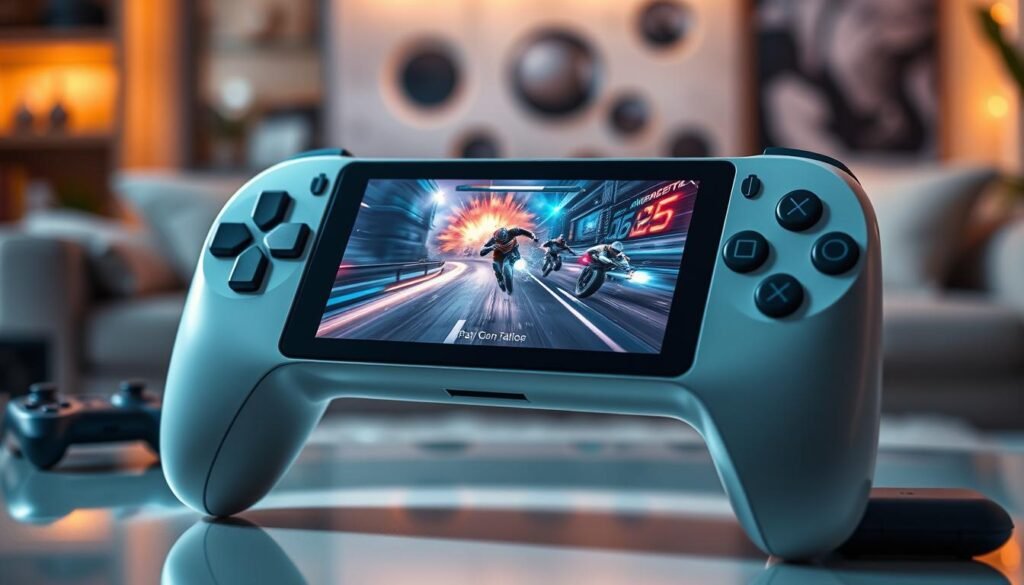
It has features like haptic feedback and adaptive triggers, just like the DualSense. These features make games feel more real. The device also has a touchscreen at the bottom, replacing the DualSense touchpad.
The Portal doesn’t have Bluetooth or storage, but it connects well with the PS5. It mirrors the PS5’s interface, making it easy to use. Players can stream their favorite PS5 and PS4 titles remotely on its 8-inch screen.
Lightweight and Comfortable Design
The PlayStation Portal is designed for comfort. It feels like a stretched DualSense controller with a screen. Its layout is familiar, making it easy to use.
Even though it’s portable, the Portal is high-quality. It’s made with premium materials and is ergonomic. This means players can enjoy games for hours without getting tired, whether in virtual reality, multiplayer gaming, or exploring their digital storefront and game library.
| Feature | Description |
|---|---|
| Weight | 530 grams (1.17 pounds) |
| Screen | 8-inch LCD, 1080p resolution, 60Hz refresh rate |
| Battery | 4,370mAh non-removable, charges via USB-C |
| Connectivity | Wi-Fi 5 (802.11ac), 3.5mm headphone jack |
| Audio | Top-firing stereo speakers |
Battery Life and Charging
The PlayStation Portal has a great battery life. It lets you play your favorite Sony PlayStation games for hours. With a brightness of about 50%, it lasts around 6 hours on one charge.
This is perfect for gaming on the move. Whether you’re traveling or just in another room, it’s great.
The PlayStation Portal charges quickly via a USB-C port. A standard power brick, like a Samsung one, can charge it from 0% to 100% in about an hour. This means you can quickly charge it during breaks or between games.
It’s important to note that Sony said the battery lasts about eight hours at first. But, real-world tests show it’s more like four to five hours on default settings. Still, it’s a great battery life for such a powerful device.
| Battery Life | Charging Time |
|---|---|
| 4-5 hours on default settings | ~1 hour (0% to 100%) |
| ~6 hours at 50% brightness | USB-C charging port |
The PlayStation Portal is easy to use and reliable for gamers. It’s great for both casual and serious players. You can play your favorite games without worrying about finding a power outlet. Its fast charging and long battery life make it a game-changer in remote gaming.
PlayStation Portal: Not a Standalone Handheld Console
The PlayStation Portal is great for online gaming and multiplayer games on the move. But, it’s not like a PSP. It needs a constant link to your PS5 console.
You can’t download games to play anywhere. It streams video and audio from your PS5 over Wi-Fi. You control the game with the Portal’s controls. Your internet connection affects your gaming quality.
Remote Play Limitations
The Portal needs a PS5 connection always. Some games and peripherals might not work. It also doesn’t support 4K or high frame rates.
No Media Functions or Cellular Connectivity
The Portal is just for gaming. It doesn’t have video streaming apps or a web browser. You can’t watch movies or browse the internet with it.
It also doesn’t have cellular connectivity. You need Wi-Fi to use it. This makes it less portable than devices with mobile data.
Despite its limits, the PlayStation Portal is a unique way to play PS5 games anywhere. Keep up with video game news and game reviews to get the most out of it.
Missing Features and Drawbacks
The PlayStation Portal is a handy way to play PS5 games from afar. It has an 8-inch LCD screen with 1080p and 60fps. Yet, it has some big drawbacks that might affect your gaming fun.
The PlayStation Portal doesn’t support Bluetooth. This limits you to wired headsets or Sony’s special audio devices. The built-in speakers also get mixed reviews, with some saying they’re not great for sound quality.
Connectivity Issues and Lag
Users have faced connection problems with the PlayStation Portal. Sometimes, the screen just keeps spinning, needing a restart. Others have seen lag, making games slow and glitchy. These issues can ruin your gaming flow.
Limited Streaming Capabilities
The PlayStation Portal can’t stream Netflix or Disney+. This is a big miss for those who want to watch movies and shows on it. It’s not the all-in-one entertainment solution some hoped for.
Despite its flaws, the PlayStation Portal is worth considering. It costs $199.99 and lets PS5 owners play games on another screen. But, it’s key to know its limits before buying. Think about what you need in a gaming experience and decide if this fits.
Setting Up and Using the PlayStation Portal
Setting up the PlayStation Portal is easy. It lets you play your favorite PS5 games anywhere. Just a few steps and you’re ready to play, thanks to the playstation gaming network and ps online community.
Easy Pairing Process with PS5
First, connect your Portal to your PS5’s Wi-Fi. Use the 5GHz band for better speeds. Then, update both devices for the best performance.
Sign in to your PlayStation Network account on the Portal. Use the same login as your PS5. This lets you access your games and settings on both devices. You’ll need at least 5 Mbps for smooth play.
Seamless Gaming Experience on the Go
The Portal has an eight-inch LCD screen with 1080p and 60fps. It looks great anywhere. Its design and internet connection make gaming fun, whether at home or on the move.
If you have trouble connecting, try restarting your router or using a wired connection. Streaming from outside your network might not be as smooth, depending on your internet.
| Device | Pairing Process | Pairing Duration |
|---|---|---|
| PULSE Elite wireless headset | Hold PlayStation Link button for 8 seconds until indicator blinks blue | Up to 30 seconds |
| PULSE Explore wireless earbuds | Hold PlayStation Link button on case until indicator blinks blue | Up to 30 seconds |
To switch audio, adjust settings or press the PS Link button for 2 seconds. You can also control volume from the device, console, or Portal.
The PlayStation Portal is designed for the PS5. It doesn’t work with older consoles like the PS4.
For more on using the PlayStation Portal remote player, check the PS Portal User’s Guide. Dive into portable gaming with the playstation gaming network and ps online community.
Conclusion
The PlayStation Portal is a game-changer for remote gaming. It lets PS5 owners play their favorite games anywhere, anytime. All you need is a stable internet connection and your PS5.
While it has some limits, like not supporting all games and peripherals, it still offers great gaming on the go. Its design is both lightweight and comfortable, making it perfect for long gaming sessions. Plus, it connects easily to the Sony PS Network, so you can play with friends anytime.
Even with some minor issues like occasional dropped frames, the Portal is still a great choice for PS5 gamers. Its price of $199 might seem high, but for those who love playing games on the move, it’s worth it. The Portal’s popularity shows there’s a big demand for portable gaming solutions.
In short, the PlayStation Portal is for gamers who love playing on the go. It’s not for everyone, but it offers a unique and fun way to enjoy PS5 games outside the home. As technology keeps improving, we can’t wait to see what’s next in remote and portable gaming.


Leave a Reply to Chace Weaver Cancel reply